
Grims Crops
Seven base crops, 206 Stove recipes, farming and cooking skills. Optional expansions add hops and brewing, or Sativa, Indica and the Rolling Station.
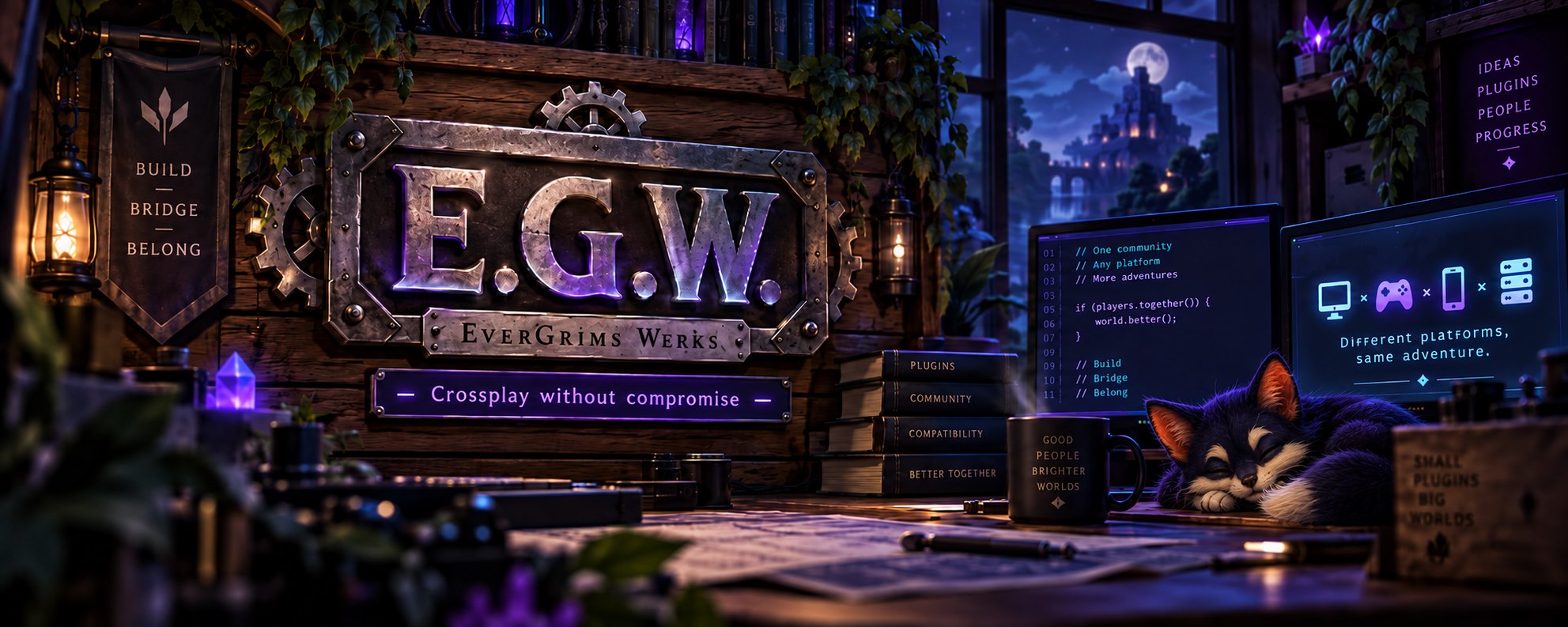
BUILT IN THE WERKSHOP · MADE FOR YOUR WORLD
Plugins, content packs and tools for worlds shared
by Java and Bedrock players.
THE COLLECTION
Complete guides are public. Downloads keep their existing access requirements.
The farm, its expansions, and Nilla Fishin’—from growing and catching to cooking, brewing and curing.
Seven base crops, 206 Stove recipes, farming and cooking skills. Optional expansions add hops and brewing, or Sativa, Indica and the Rolling Station.
Hops, sixteen drinks, a copper still and a cask for brewing and ageing.
Sativa and Indica, curing, the Rolling Station, smoking gear and sharing with friends. Requires Grims Crops 0.16.2+.
Standalone fishing with 129 fish and a Sushi Station with 30 dishes. Grims Crops supplies the cooking ingredients for 26 dishes; four jellies work without Crops.
 From your harvest to the table.Stove recipes, sushi, brewing and Cannabis crafting—all in one recipe library.↗
Discoveries, music and more ways to play.
Dig for fossils, assemble finds and fill a museum. Ships with the fossil tables for the Dinosaurs and Birds of Prey packs.
Placeable jukeboxes that play the EverGrims Werks track on Java and Bedrock alike, with the music pack included.
Slots, table games and a house ledger, built for a server economy.
Storage you can place, upgrade and carry.
Upgrade one-block storage, link an Auto Sort Chest and choose distinctive chest styles. Shulker boxes are refused on arrival and handed back.
Wearable backpacks that keep their contents, with tiers to upgrade and a lock that travels with the pack.
Server shops, player trading and community donations.
Server shops, nested categories, rotating stock and quick selling, with support for EGW custom items and the optional Cannabis Dispensary.
Player-run shops: stock a chest, set a price and let the server handle the trade.
A donation hub for the community: goals, contributions and the thank-you side of a server economy.
Early builds and upcoming projects. In-development previews have no download.
Own and upgrade spawners, develop a catching skill and choose whether mobs merge. Each spawner level uses one capacity slot.
Dye-linked wireless redstone, virtual wire circuits, Diodes, Smart Repeaters and the lighthouses.
Crossplay helpers and support for your community.
EGW’s crossplay content host: Java and Bedrock packs, items, blocks, recipes, player heads, glyphs and shared menus.
An in-house crossplay mob and animation engine. 47 adapted entries: ground wildlife, flying creatures, aquatic life and a mecha tortoise mount. Currently in private testing.
Tells you which edition and client version each player is on, so crossplay problems stop being guesswork.
Per-world borders that hold without the vanilla world border, with a confiscation ceremony for repeat offenders.
Refreshes Bedrock players’ worn armour and records equipment changes for troubleshooting. Leaves combat and enchantment rules unchanged.
The werkshop’s own helper: answers questions in chat and carries the server watch broadcasts.
Custom projectiles and visual effects for the EGW packs — required by the toy packs, optional elsewhere. Needs Packforge.
Equipment, appearances and optional fossil packs.
The birds of prey fossil set for Deep Discoveries, with its own finds and museum displays.
The dinosaur fossil set for Deep Discoveries: skeletons to dig up, assemble and display.
Standalone Bedrock content for Realms and BDS.
A standalone Bedrock behavior pack for realm administration, teleporting, cleanup and moderation. Use a backup world to check this beta with your Bedrock version.
Armour, clothes and toys. Visit the content pack gallery ↗
Seven armour sets with skirt variants and ten weapons, including the netherite-block Knight set.
The elemental weapons and armour sets, the Dozer and Paladin frames and the Cthulhu set. Works on its own; BladeFX adds the visuals.
168 items of ordinary clothes: 36 named themes, separates to mix, and an eleven-costume line. Shared shoes, hair in three colours.
Summer-afternoon toys: the Bubble Gun, the blower, the chainsaw and the cannon. Needs BladeFX, which is what throws them.
A toy sabre, the Little Green Man and the Glow-Ray. The suits need nothing; the toys need BladeFX to fire.
A dark armour set one tier above netherite, with the Grims Scythe and three soul wisps that ride at the ribs.


Gem tools and armour with their own recipes, trimmable on Java and gated behind the gems recipe permission.
Four cosmetic outfits—Couch Lock, Lot Kid, Moon Child and Cloud Nine—plus shared Fuzzy Slippers. Private pack preview; no download.
About us
EverGrims Werks is a small crossplay-focused Minecraft development group built around one simple idea:
Java and Bedrock players should get the same experience whenever possible.
We build plugins, tools, bridges, and gameplay systems for Paper servers running Geyser and Floodgate, with a focus on making features feel native across Java, console, PC Bedrock, and mobile.
That means fewer “Bedrock can’t do that” compromises, fewer stripped-down features, and a lot more experimenting until something actually works.
EGW projects range from crossplay gameplay systems and player tools to backend utilities, compatibility bridges, and server administration features. Some projects are public, some are private, and some live with our Experimental Crew while they’re still being poked, prodded, broken, fixed, and probably broken again.
We’re not a marketplace and we’re not trying to be a giant plugin network. EGW is a development space for building useful things, sharing them with a small group of servers, and seeing how far crossplay can really be pushed.
Crossplay without compromise.
Contact the WerksWerkshop foot traffic
00000000 Estimated total souls that have wandered through the workshop.Souls today
Midnight · Chicago